
J

Y


Brought to you by The GPT Group

Brought to you by the GPT Group
Share a little joy by bringing your child’s drawing to life this Christmas.
To make sure your drawing comes to life in the animation, please follow these simple guidelines:

Draw and Upload a Vivid Christmas Character
Include a person, pet, or animal in your drawing to bring your Christmas scene to life.

Receive Your Animated Video via Email
Once uploaded, your drawing will be transformed into a festive video and sent straight to your inbox.

Share the Joy with Friends and Family
Spread the Christmas spirit by sharing your video on social media using #joytoyourworld.
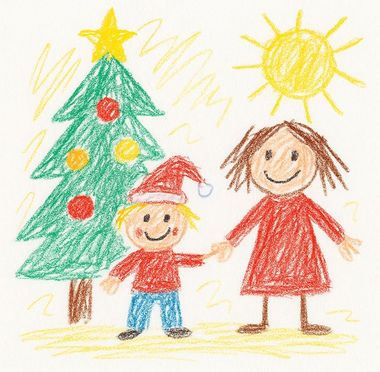
From this...
...to this!
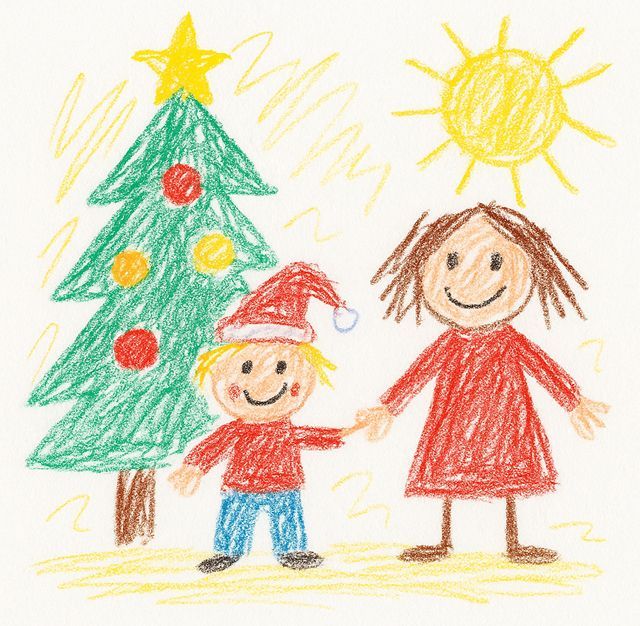
From this...
...to this!
From this...
...to this!


Share Your Christmas Masterpiece
Upload Your Christmas Drawing
Please ensure your file size is below 15 MB. Two submissions per user. If you need any help, please email joy@gpt.com.au.
Thanks for joining us to spread the joy this season.
Check your inbox in a few minutes to find your Christmas drawing!
We couldn’t complete your Christmas video this time. Please try again, and if the issue continues, check your upload or refresh the page. Don’t worry, the joy isn’t lost, your Christmas magic is just one step away.
(Note, you can unsubscribe easily at any time via the link in the emails.) Refer to GPTs privacy policy available on our websites.
This experience uses artificial intelligence (AI) to animate your drawing. Results may vary depending on your image and the AI’s interpretation. We do our best to create magical, joyful animations, but every drawing is unique, and part of the fun is seeing how your creation comes to life! If you have any questions or need help, contact joy@gpt.com.au.
Make Your Christmas Video Shine
Here’s how to get the best result from your drawing:
Upload Square Only
Keep your drawing inside a perfect square so nothing is cut off and your image fits neatly.
Capture Flat on a Surface
Place your drawing flat on a table and take the photo from directly above with no hands or people visible.
Add a Character or two!
Include a person, pet, or animal for the best results, simple drawings like trees or houses will animate less.
Good Lighting & Clear Image
Take your photo in bright, even light, avoiding shadows or glare so every detail is clear.
Correct Orientation
Ensure your image faces the right way before uploading by rotating or adjusting it if needed.
Your Joy in Action